Look, I get it. You've seen those Instagram reels of digital nomads crushing deadlines from beachside cafés, and you're ready to trade your gray office cubicle for ocean views and tacos. But here's what those influencers don't show you: the panic when your WiFi drops mid-Zoom call, or the scramble to find backup internet at 7 AM when your client's in a different time zone.
Before you book one of those dreamy apartments for rent in Puerto Vallarta, let's talk about the unsexy stuff that'll actually make or break your remote work experience. Because nothing kills the tropical work-life balance vibe faster than missing a deadline because you didn't verify your internet situation.
The WiFi Reality Check You Need to Hear
Puerto Vallarta's internet infrastructure has come a long way, but it's not Silicon Valley. Average speeds in the city hover around 45 Mbps download and 34 Mbps upload, totally fine for most remote work. But here's the catch: speeds vary wildly depending on your neighborhood, building, and provider.
Zona Romántica (which locals and Old Town regulars know as the heart of PV's expat scene) typically offers some of the best connectivity options. Many buildings have fiber connections pushing 200 Mbps, especially in the hillside condos with newer infrastructure. But you can't just assume your rental has great WiFi because it's in a good neighborhood.
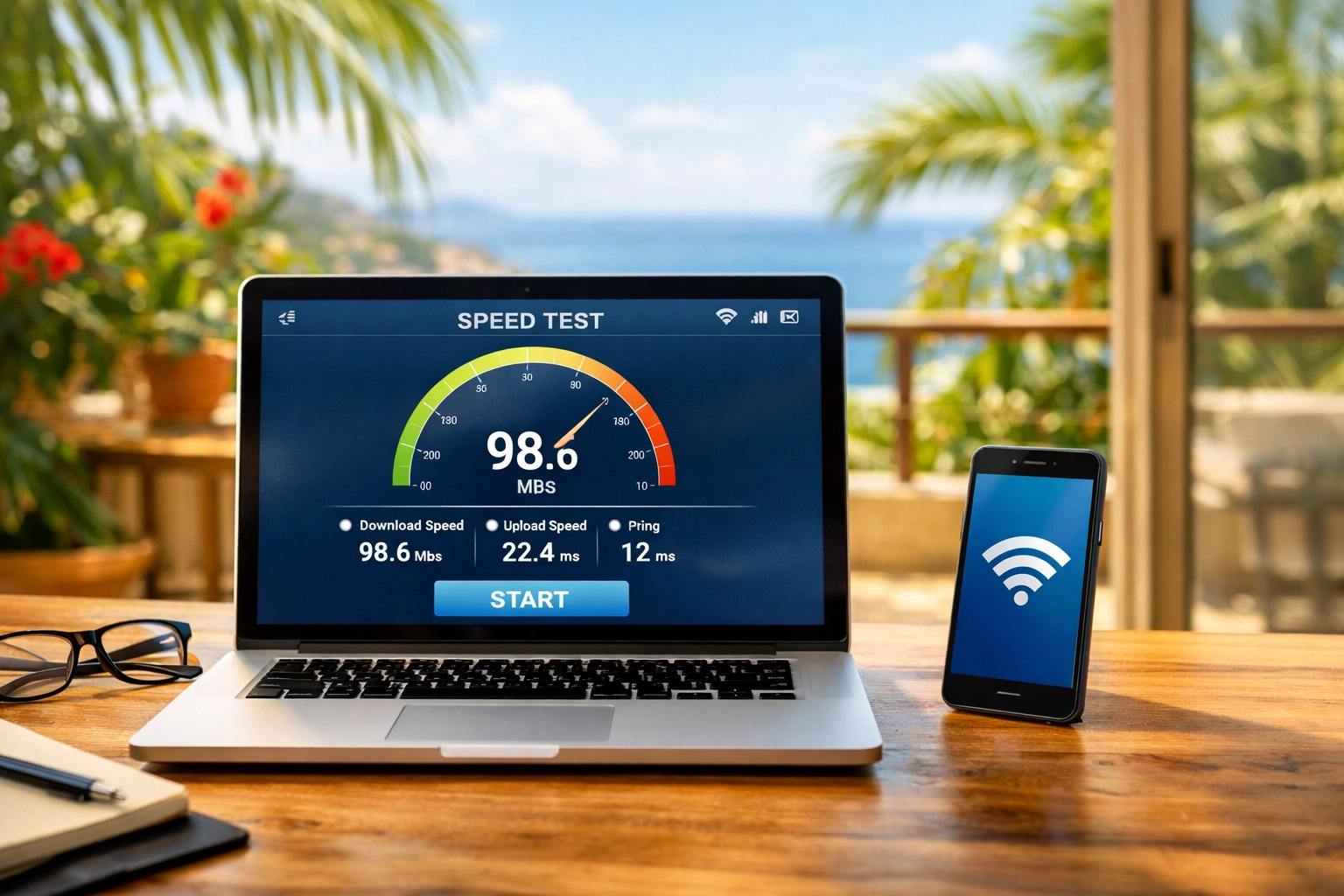
Here's your pre-booking WiFi protocol:
- Ask your landlord directly about their internet provider, Mega, Totalplay, and Uninet are the current speed leaders
- Request actual speed test results from the specific unit, not just the building
- Jump on a video call with them before booking to test the connection in real-time
- Ask about backup systems, do they have a secondary connection or mobile hotspot setup?
- Find out if the building has fiber or if they're still on copper lines
And honestly? If a property owner gets weird about showing you speed test results or doing a video call to demonstrate their WiFi, that's a red flag the size of Banderas Bay. When you rent apartments in Puerto Vallarta through family-run operations, they tend to be way more transparent about this stuff because they actually care about your experience.
Your Mobile Backup Plan (Because WiFi Will Fail You)
Here's a fun fact that'll save your bacon: Mexican mobile data is ridiculously affordable and surprisingly fast. Even if your apartment WiFi is solid, you need a backup plan for the inevitable service interruptions.
Telcel is Mexico's dominant carrier with the best coverage across Puerto Vallarta. You can grab a prepaid SIM at literally any Oxxo (Mexico's everywhere convenience stores) for around 25 bucks USD. That gets you about 6GB of data, unlimited calls and texts, plus social media apps that don't count against your data limit. 4G speeds hit around 16 Mbps, not blazing fast, but enough to hotspot your laptop for urgent calls.
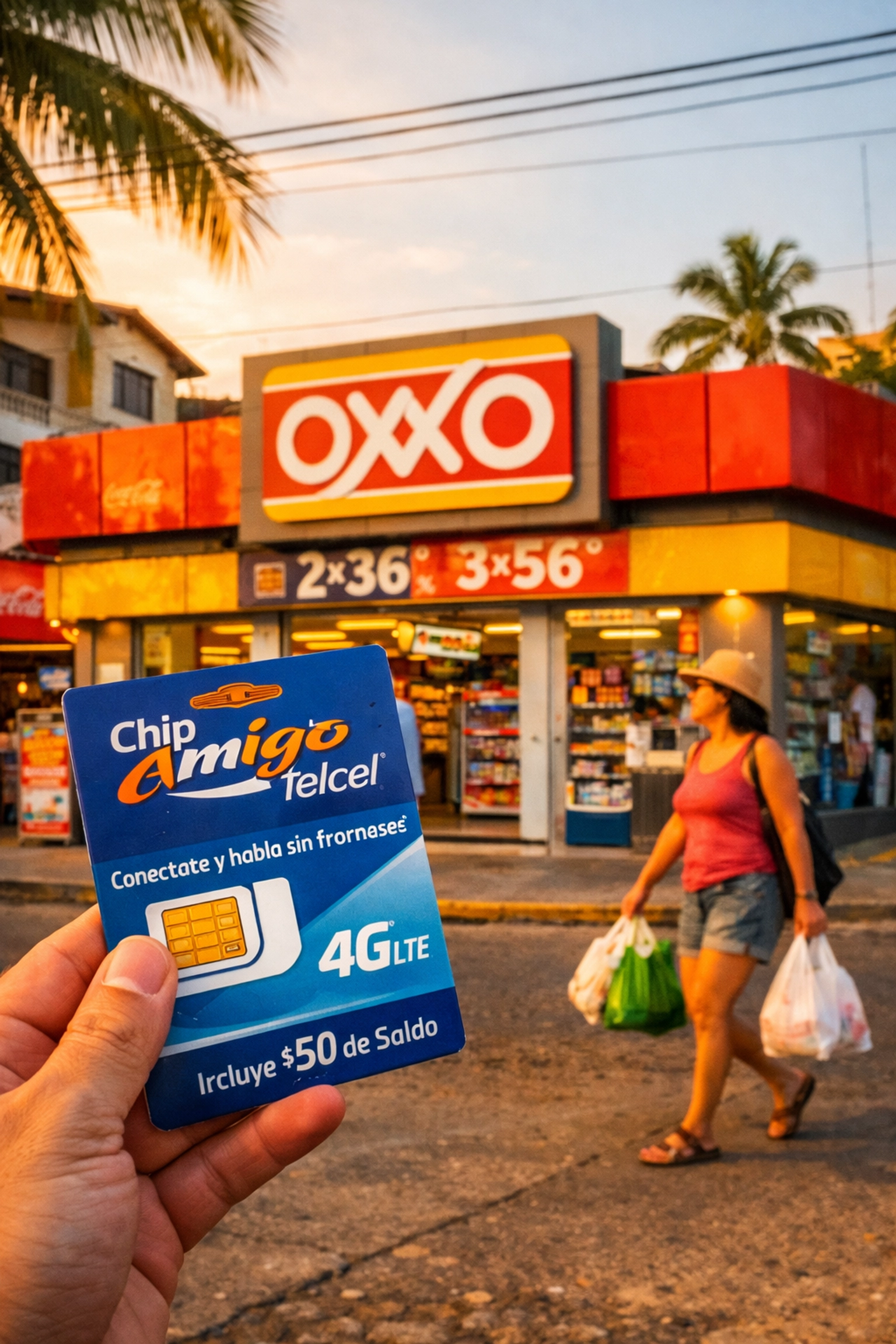
But here's the pro move: consider an eSIM through services like Airalo before you even leave home. Load it up, activate it when you land, and boom, you've got instant connectivity without hunting down a store. Keep this as your backup hotspot for video calls and deadline crunches.
The real remote workers I know in Zona Romántica all run a dual setup: primary apartment WiFi for daily work, plus an active mobile data plan they can hotspot from when things go sideways. It's like having jumper cables in your car, you hope you never need them, but you'll be really glad they're there.
Backup Workspace Scouting (Your Sanity Insurance)
Even with solid WiFi and mobile backup, you need to identify physical backup locations before you move in. Construction noise, power outages, or just needing a change of scenery happens.
The Green Place café near Los Muertos Beach consistently delivers 47 Mbps download speeds, has reliable power outlets, and serves killer vegan food. It's about 10-15 minutes on foot from most Zona Romántica rentals, close enough to reach quickly when your apartment WiFi decides to take a siesta during your most important call of the week.
Budget roughly 150-200 pesos per working day for café or coworking space usage. Most spots in Zona Romántica now understand the digital nomad crowd and won't give you attitude for camping out with your laptop as long as you're ordering regularly.
Your backup location checklist:
- Scout at least two backup cafés or coworking spaces within walking distance
- Visit during your typical working hours to check crowd levels and noise
- Test their WiFi speed before you actually need it
- Verify they have power outlets at multiple seating areas
- Make sure they're open during your core work hours (some spots close early)
If you're eyeing Puerto Vallarta condo rentals in Zona Romántica, you're already in the sweet spot. The walk down to Los Muertos Beach takes about 10-15 minutes depending on your pace, and that stretch is packed with backup workspace options.
The Pre-Booking Checklist That Actually Works
Okay, let's put this all together into a checklist you can actually use before signing a lease:
Week Before Booking:
- Schedule video call with landlord to test apartment WiFi in real-time
- Ask for speed test screenshots from the specific unit
- Request information about provider, plan type, and backup systems
- Check if the building has fiber or copper internet infrastructure
Upon Arrival:
- Get your Mexican SIM card or activate your eSIM immediately
- Run your own speed tests at different times of day
- Locate your two backup workspaces and test their WiFi
- Save your landlord's contact info for quick tech support requests
First Week Setup:
- Document your WiFi setup and provider info
- Test your mobile hotspot capability for backup
- Establish your backup workspace routine
- Join local digital nomad Facebook groups for real-time internet outage alerts
Look, I'm not trying to scare you off from remote working in Puerto Vallarta. The lifestyle here is genuinely amazing: warm weather, incredible food, and that walk to Los Muertos Beach never gets old. But the digital nomads who thrive here are the ones who plan for internet problems, not the ones who pretend they won't happen.
Want more insider tips on setting up your remote work life in PV? Check out our digital nomad's guide to monthly rentals and our breakdown of long-term rental mistakes to avoid.
The secret to successful remote work in Puerto Vallarta isn't finding perfect internet: it's building redundancy into every part of your setup. Test everything twice, have backup plans for your backup plans, and you'll be crushing deadlines with ocean views before you know it.
Now stop overthinking it and book that apartment. Just make sure you've done your WiFi homework first.
Need help finding a rental with verified WiFi speeds and backup systems already in place? Follow us on Instagram where we share real-time updates on our properties and answer all your remote work questions!
About the Author